
 Poppy just donated $55.95
- Nana xx just donated $106.75
 Mitch Dol just donated $55.95
 Beth Blizzard just donated $79.48
 Troy Browney just donated $55.95
- Elizabeth Vittorio just donated $50.00
- Esther just donated $84.20
 Lisa Pinta just donated $30.00
- Mary O'Brien just donated $50.00
- Anonymous just donated $59.50
- Katie O'Brien just donated $55.95
- Ananya just donated $20.00
 Michelle just donated $25.00
 Kate Rule just donated $30.00
 Anonymous just donated $23.81
 Margot M just donated $23.81
- Brad and Lindsay Suosaari just donated $34.40
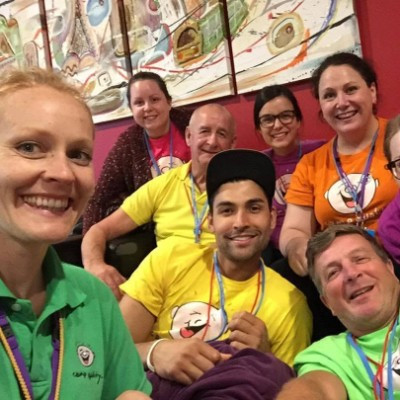 Claire and Jeremy just donated $54.75
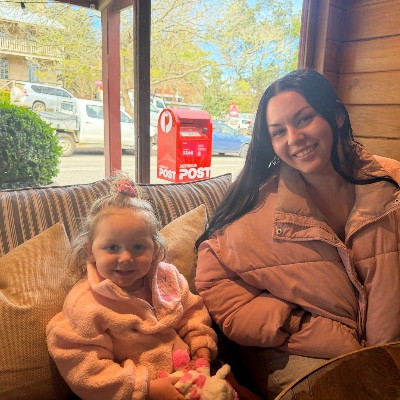 Summa just donated $20.00
- Sarah Phillips just donated $20.00

EVERY LITTLE STEP = BIG IMPACT
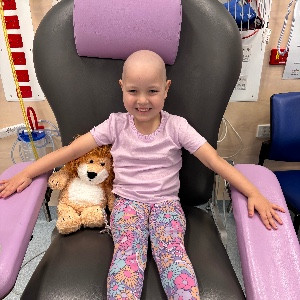
This September is Childhood Cancer Awareness Month!
Join Big Walk for Little Kids and walk 64km for the 64 kids diagnosed
with cancer every month in Australia.
Whether you choose to walk by yourself, in a team or with your workplace, you will support Camp Quality's programs and services to give little kids and families a break from cancer.
Together, we will bring positivity, fun and laughter back into the lives of kids facing cancer.
OUR IMPACT SO FAR

6,426
people walking BIG
for little kids this
September
for little kids this
September
$1,804,762
raised to support
little kids facing
cancer
little kids facing
cancer
259,882km
walked during
Childhood Cancer
Awareness Month
Childhood Cancer
Awareness Month
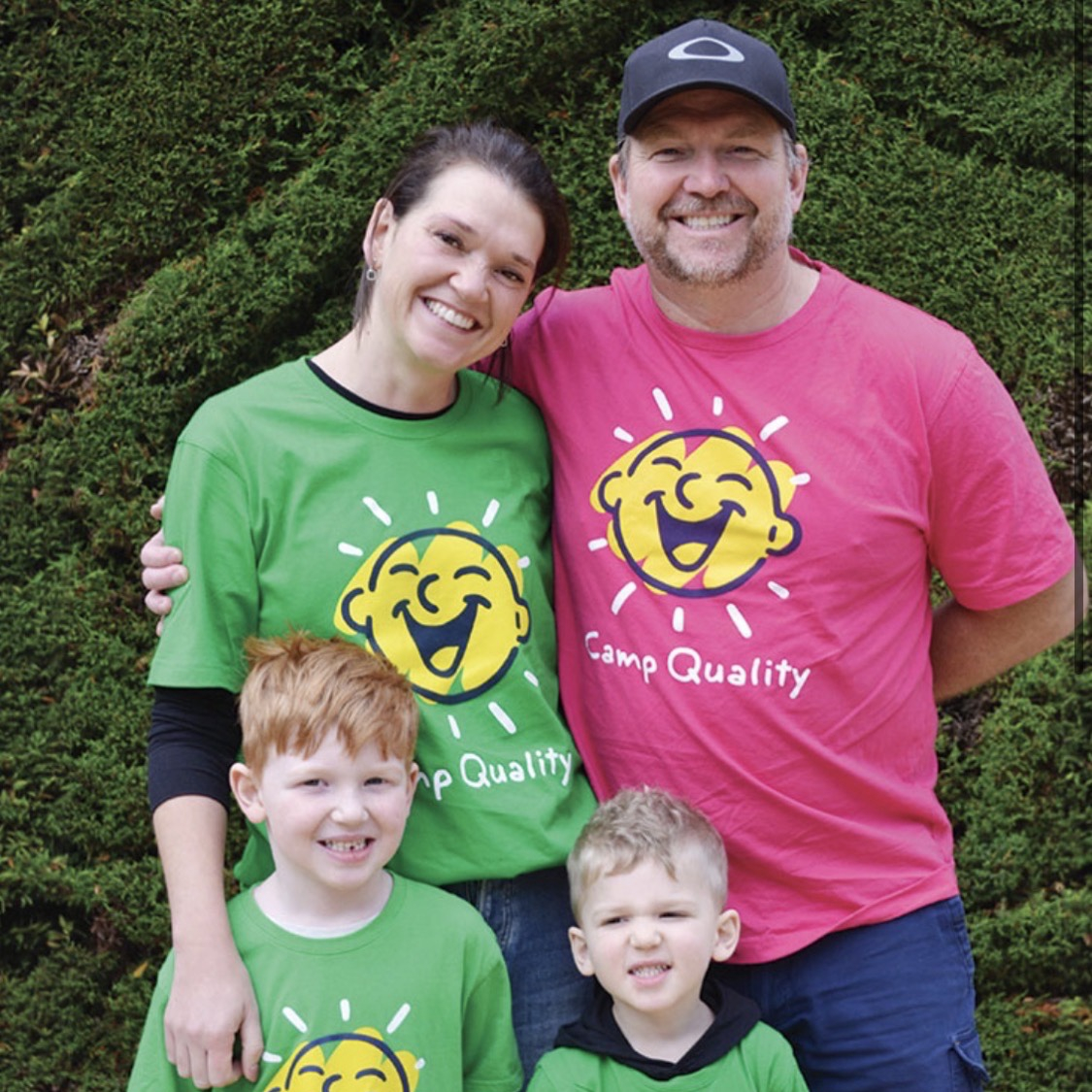
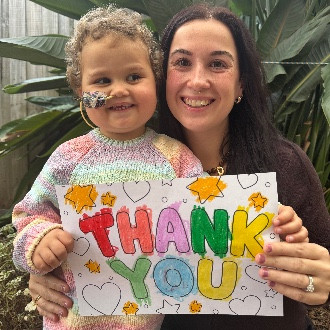
YOU CAN MAKE A BIG DIFFERENCE
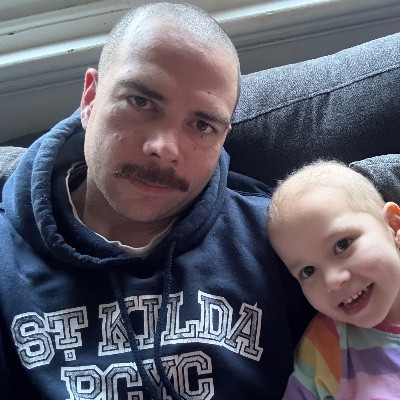
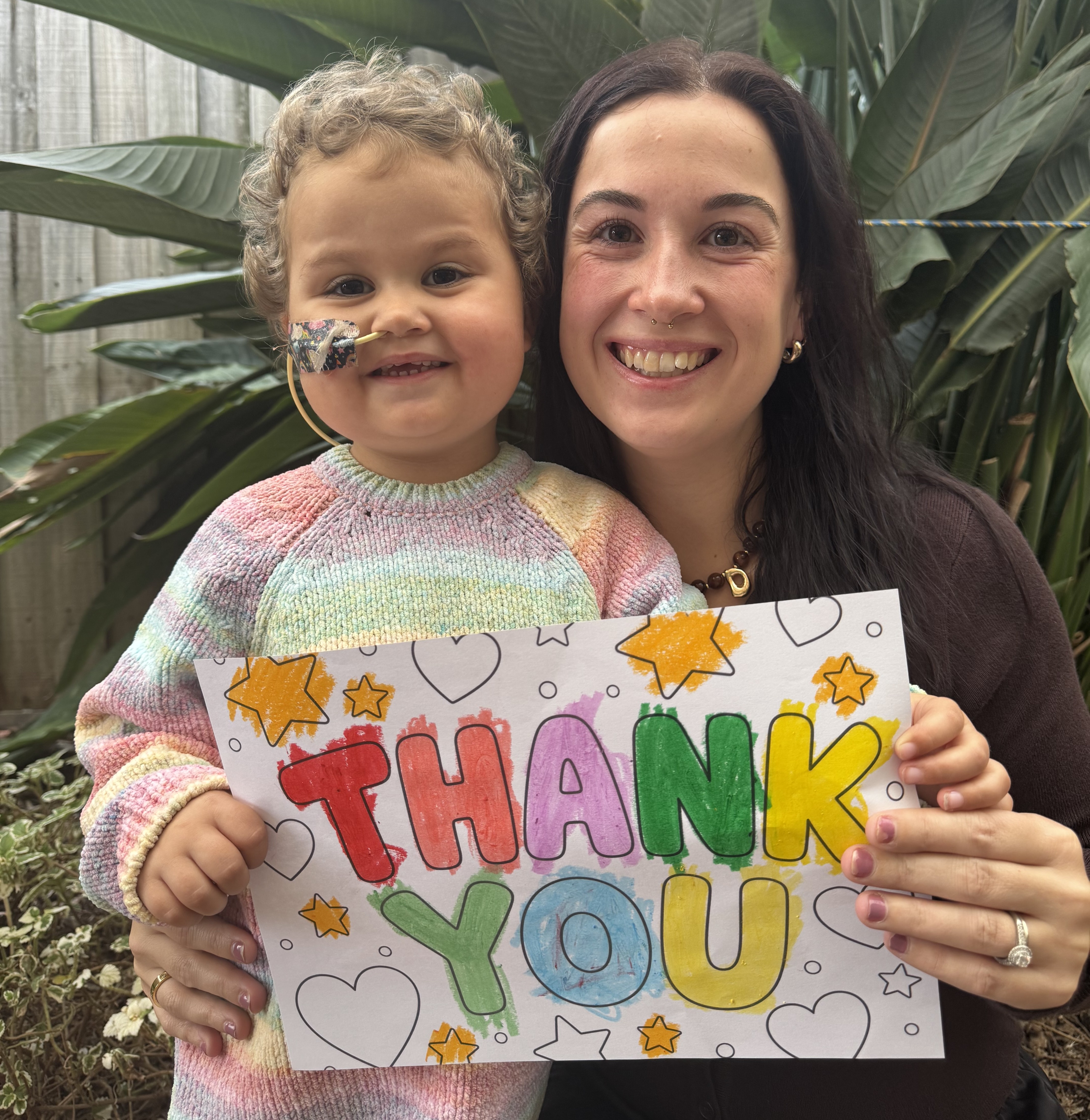
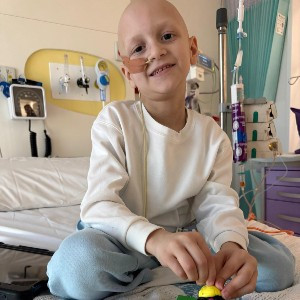
FOR LITTLE KIDS LIKE...
LEADERBOARDS


GET IN TOUCH
Visit our FAQs page or contact the Big Walk for Little Kids team.
